Security that protects your money
Trust is earned. MAKE is built with industry-leading technology, real-time monitoring, and strict safeguards to protect your money and your data 24/7.
Your money safeguarded
Your money is held with regulated financial institutions
Customers funds are safeguarded in segregated accounts
We never lend or reinvest your money, it’s always yours
Advanced protection behind every transaction
End-to-end encryption
Every action inside MAKE from logging in to sending a payment, is encrypted and protected from fraud in real time.
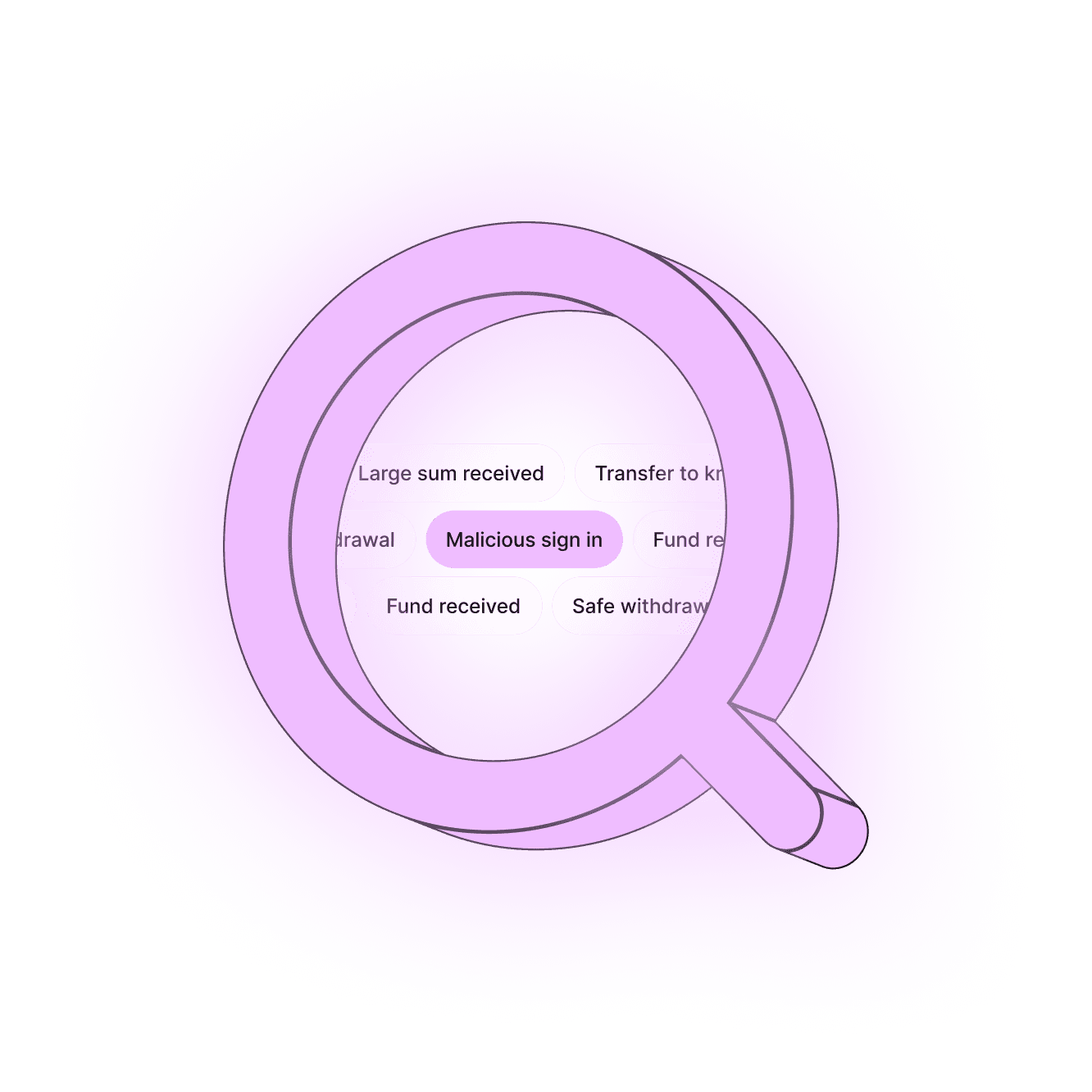
Proactive fraud detection
Our systems use multi-layer security and machine-learning fraud detection to spot unusual activity before it becomes a problem.
Multi-layered protection
Your account is protected with 2FA to prevent access hacks, and the MPIN only you know is required to withdraw funds.
End-to-end encryption
Every action inside MAKE from logging in to sending a payment, is encrypted and protected from fraud in real time.
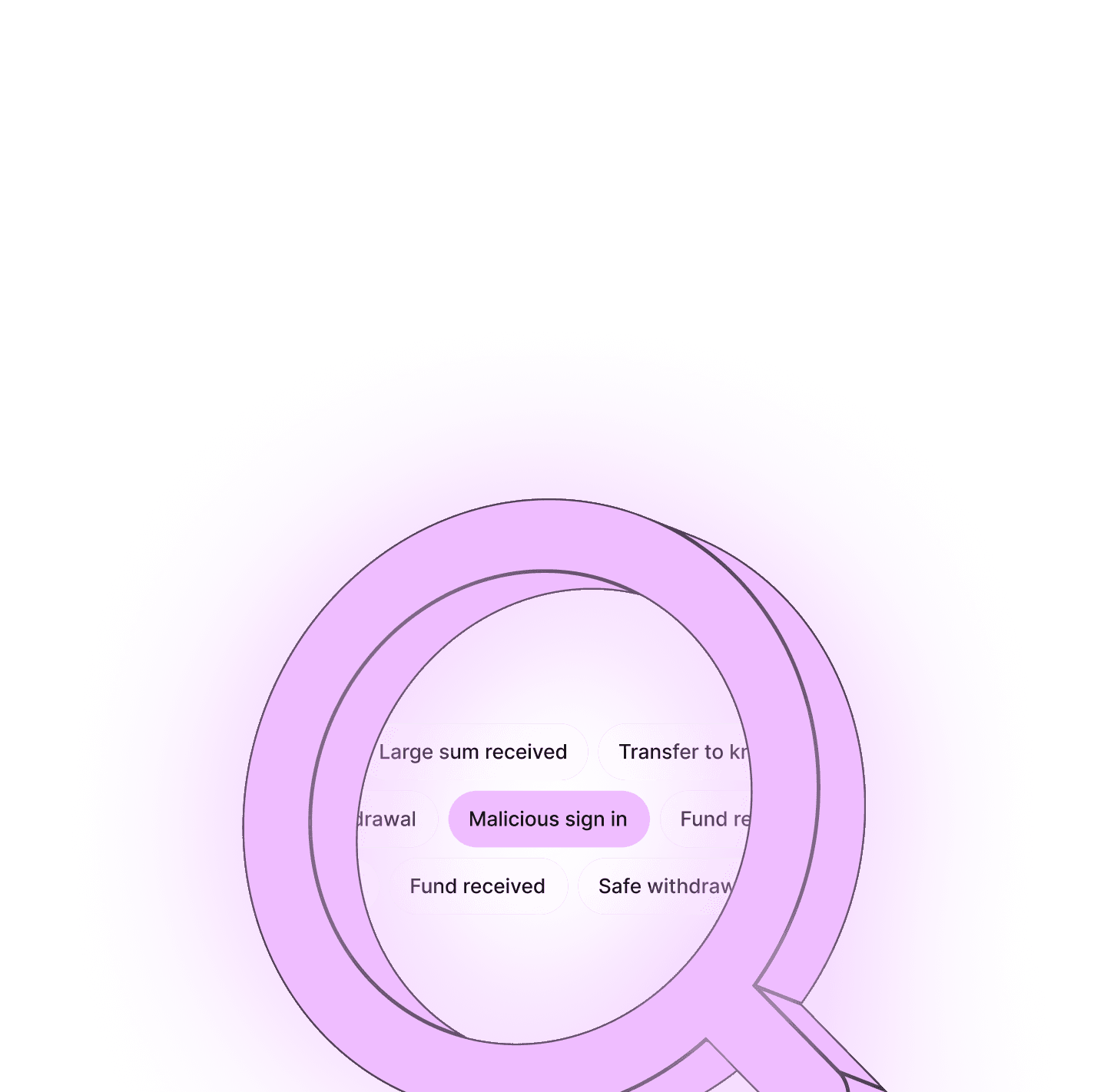
Pro-active fraud detection
Our systems use multi-layer security and machine-learning fraud detection to spot unusual activity before it becomes a problem.
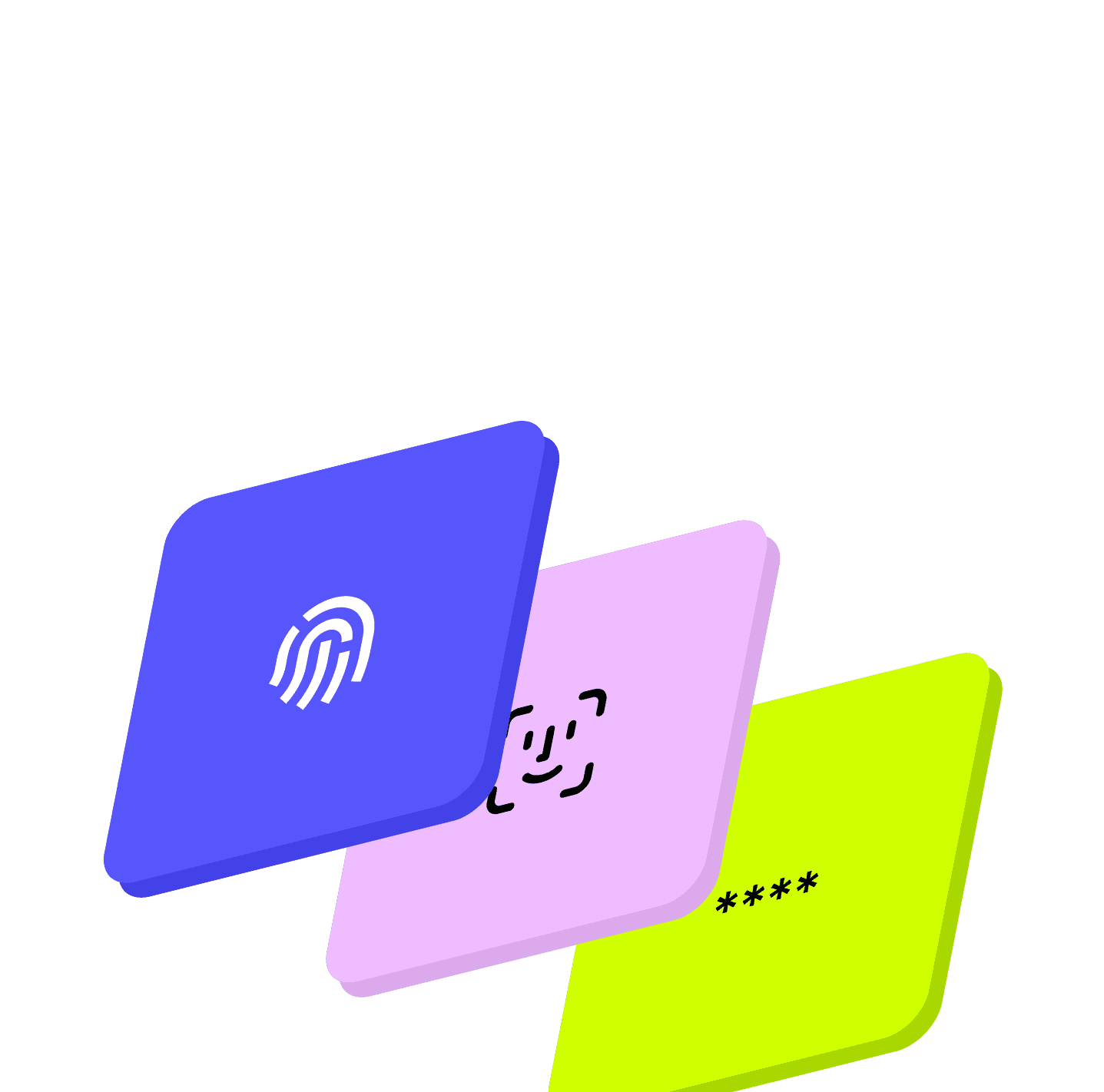
Multi-layered protection
Your account is protected with 2FA to prevent access hacks, and the PIN only you know is required to withdraw funds.
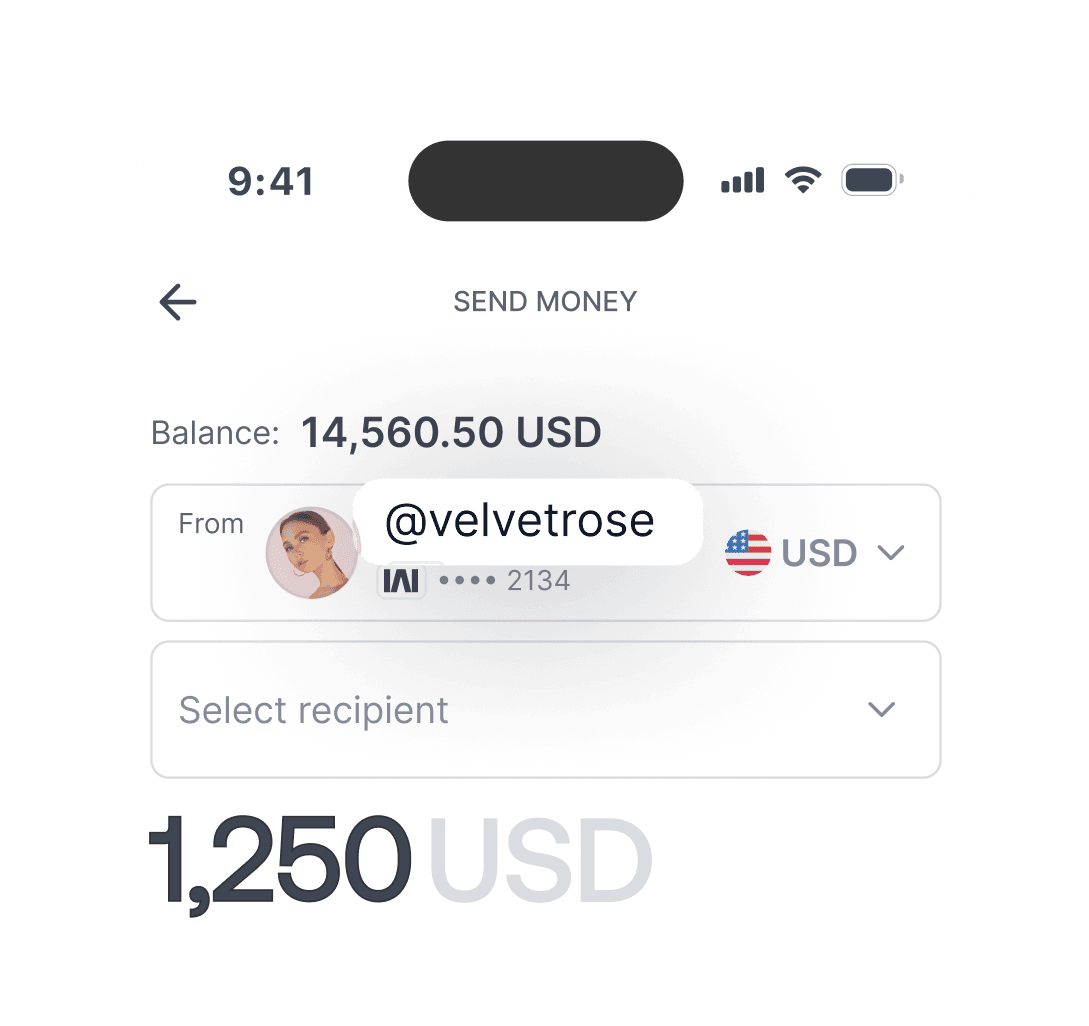
Your identity is kept private
Your legal name is never revealed when sending or receiving payments to other MAKE users, only your chosen nickname appears.
Your legal name is never revealed when sending or receiving payments to other MAKE users, only your chosen nickname appears.
Sender
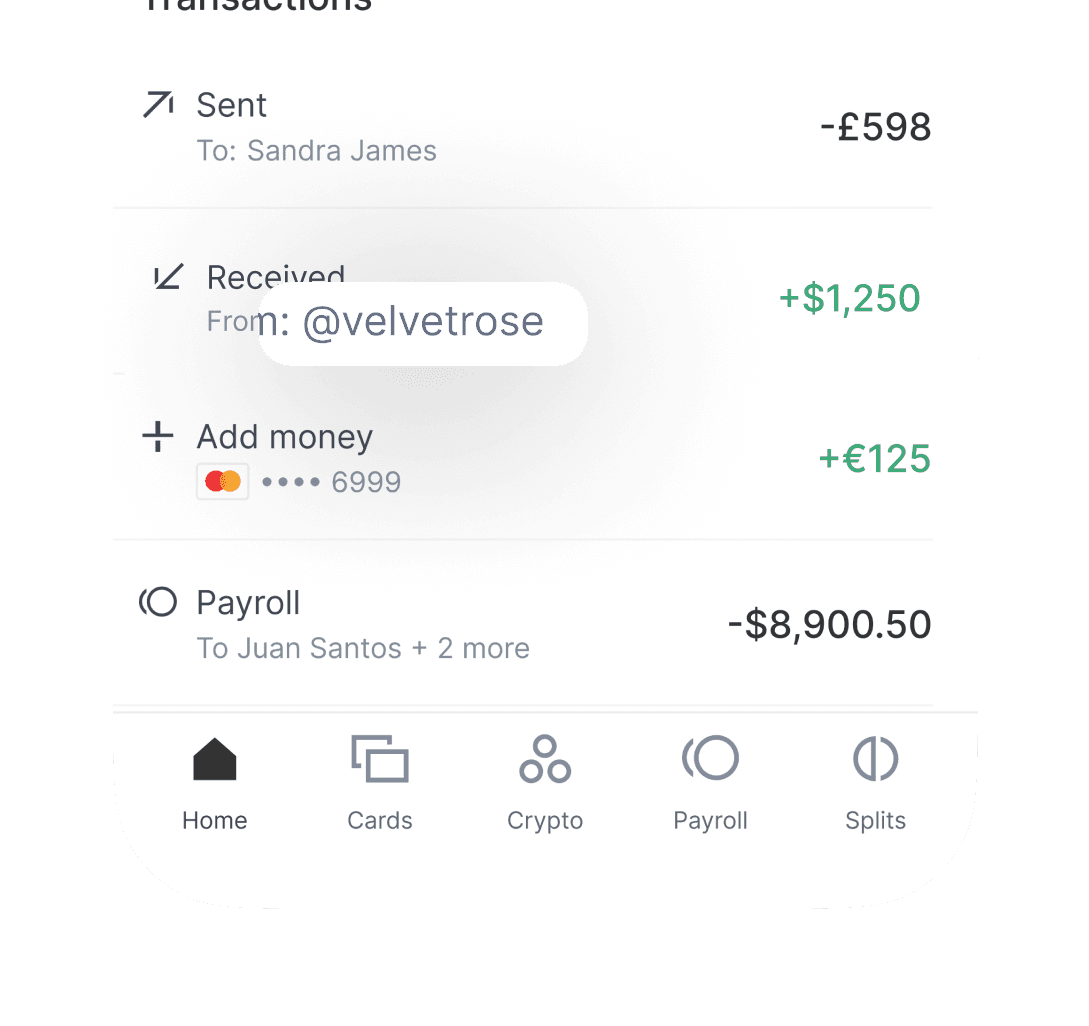
Receiver

Protecting your account, together
Secure identity verification
When you open an account, we verify your identity to confirm your information matches. This helps protect you from fraud.
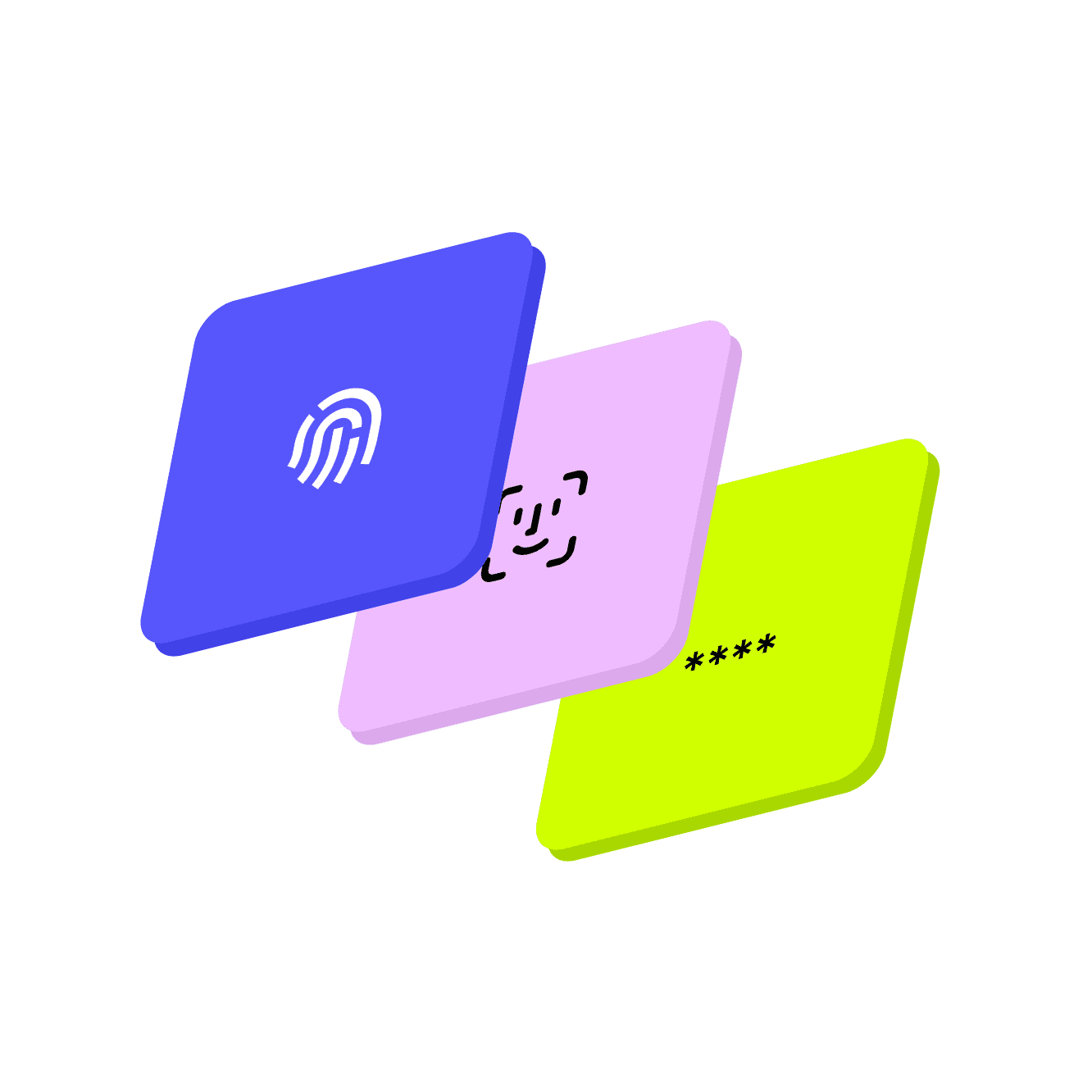
2-factor & biometric authentication
When you log-in, you’ll need to enter a one-time code. Or use biometrics on the MAKE app. This helps confirm it’s you.
MPIN required for transfers
When you open an account, we verify your identity to confirm your information matches. This helps protect you from fraud.
Use a strong, unique password
When you open an account, we verify your identity to confirm your information matches. This helps protect you from fraud.
Built for continuity and resilience
Your money and data stay safe with industry-leading security, real-time fraud monitoring, and round-the-clock protection. Funds are held with regulated financial institutions.
Your money and data stay safe with industry-leading security, real-time fraud monitoring, and round-the-clock protection. Funds are held with regulated financial institutions.

We take your security personally.
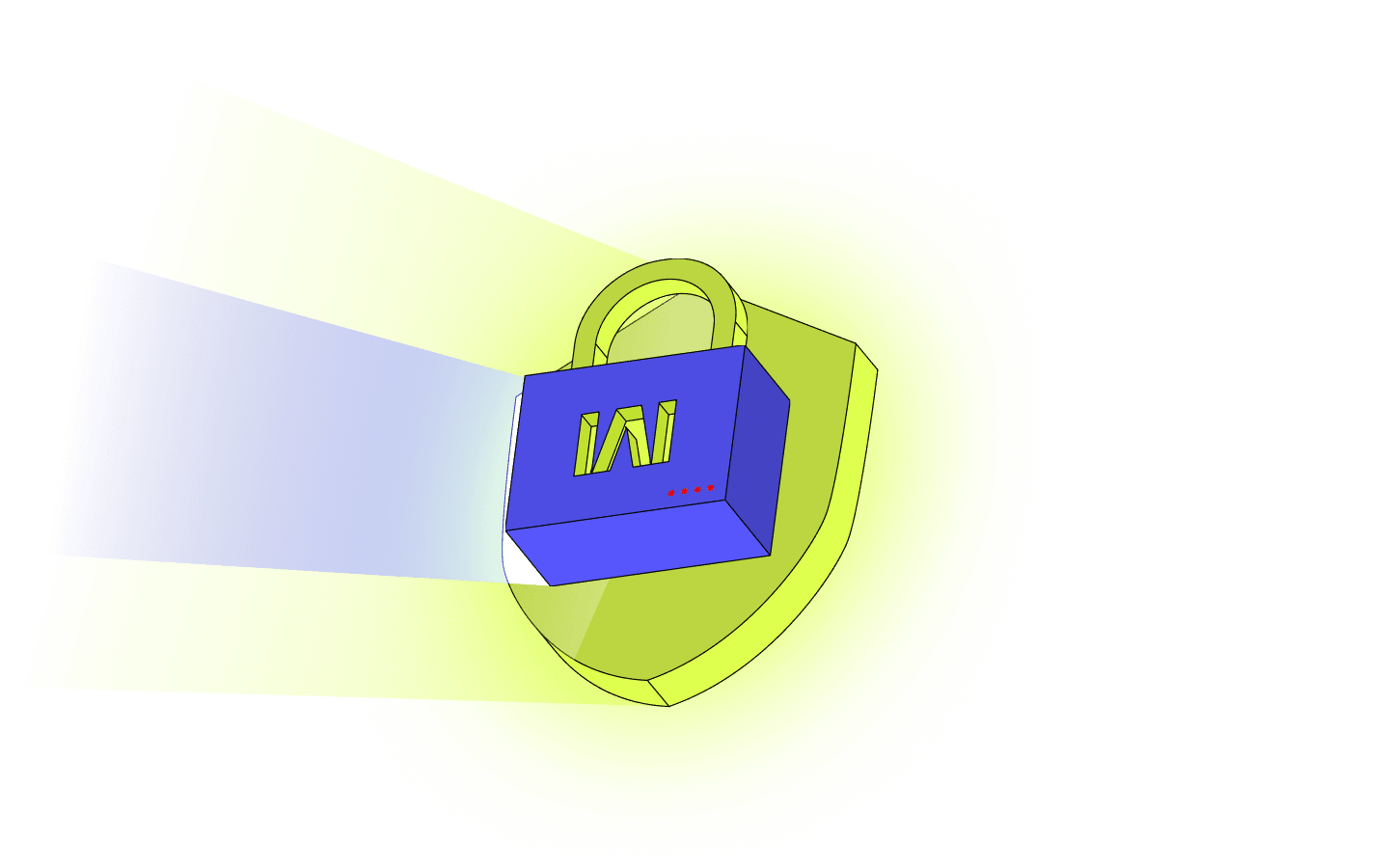
Behind every feature is a dedicated security team that monitors, tests, and improves MAKE’s defences every day. Because protecting your money is our highest priority.
Behind every feature is a dedicated security team that monitors, tests, and improves MAKE’s defences every day. Because protecting your money is our highest priority.
FAQs
What currencies can I use?
MAKE accounts are available in USD, EUR, GBP and CHF. You can receive payments in these currencies from other MAKE users. You can also send payments in EUR, GBP, BRL, COP, MXN, SGD, PHP, ARS, AUD, and CAD. More currencies will be added soon for both receiving and sending.
How does MAKE ensure I get paid on time?
Payments are processed as soon as they are received, whether from clients, platforms or other sources. MAKE also offers automatic Splits, every time your client is paid your share is transferred to you automatically, ensuring predictable and reliable payouts without the need to chase.
How do automatic commission payments work?
Once your client sets up a Split, you’ll be asked to approve it. After that your services revenue or commission is transferred automatically when they’re paid. This helps reduce delays and removes the need to chase payments.
What currencies can I run payroll in?
You can run payroll in USD, EUR, GBP and CHF.
How do I add employees to my account?
Invite your employees by email and choose the access level you want them to have. They can access MAKE after verifying their email and phone number.
How do roles and permissions work for employees?
MAKE offers four user roles with different levels of access for business accounts: • Viewer – Can view account and transaction information but cannot create or approve transactions. • Preparer – Can create and send transactions, with limits set by the account admin. • Approver – Can create transactions and approve those prepared by others above the set limit. • Admin – Has full access, including managing all transactions and controlling user access to the account.
Can I schedule payments?
Yes. You can schedule one-time or recurring payments to yourself, suppliers, or clients.
Do you offer crypto services?
Yes. You can trade, send and receive crypto alongside fiat in the same account. Convert funds when you need to, pay staff or suppliers in crypto, send to external wallets or wire funds domestically and internationally.
What currencies can I use?
MAKE accounts are available in USD, EUR, GBP and CHF. You can receive payments in these currencies from other MAKE users. You can also send payments in EUR, GBP, BRL, COP, MXN, SGD, PHP, ARS, AUD, and CAD. More currencies will be added soon for both receiving and sending.
How does MAKE ensure I get paid on time?
Payments are processed as soon as they are received, whether from clients, platforms or other sources. MAKE also offers automatic Splits, every time your client is paid your share is transferred to you automatically, ensuring predictable and reliable payouts without the need to chase.
How do automatic commission payments work?
Once your client sets up a Split, you’ll be asked to approve it. After that your services revenue or commission is transferred automatically when they’re paid. This helps reduce delays and removes the need to chase payments.
What currencies can I run payroll in?
You can run payroll in USD, EUR, GBP and CHF.
How do I add employees to my account?
Invite your employees by email and choose the access level you want them to have. They can access MAKE after verifying their email and phone number.
How do roles and permissions work for employees?
MAKE offers four user roles with different levels of access for business accounts: • Viewer – Can view account and transaction information but cannot create or approve transactions. • Preparer – Can create and send transactions, with limits set by the account admin. • Approver – Can create transactions and approve those prepared by others above the set limit. • Admin – Has full access, including managing all transactions and controlling user access to the account.
Can I schedule payments?
Yes. You can schedule one-time or recurring payments to yourself, suppliers, or clients.
Do you offer crypto services?
Yes. You can trade, send and receive crypto alongside fiat in the same account. Convert funds when you need to, pay staff or suppliers in crypto, send to external wallets or wire funds domestically and internationally.
Kappa Investments Canarias S.L.U. Reg No B16409955, having its registered address at Calle Maria Zambrano 42, Guia de Isora, Santa Cruz de Tenerife, 38687, Spain is a company that acts as the payment agent on behalf of usemake.com.
Copyright © 2025 Make (MAKE FINANCIAL TECHNOLOGIES SPECIAL ECONOMIC ZONE COMPANY LIMITED)
Kappa Investments Canarias S.L.U. Reg No B16409955, having its registered address at Calle Maria Zambrano 42, Guia de Isora, Santa Cruz de Tenerife, 38687, Spain is a company that acts as the payment agent on behalf of usemake.com.
Copyright © 2025 Make (MAKE FINANCIAL TECHNOLOGIES SPECIAL ECONOMIC ZONE COMPANY LIMITED)